
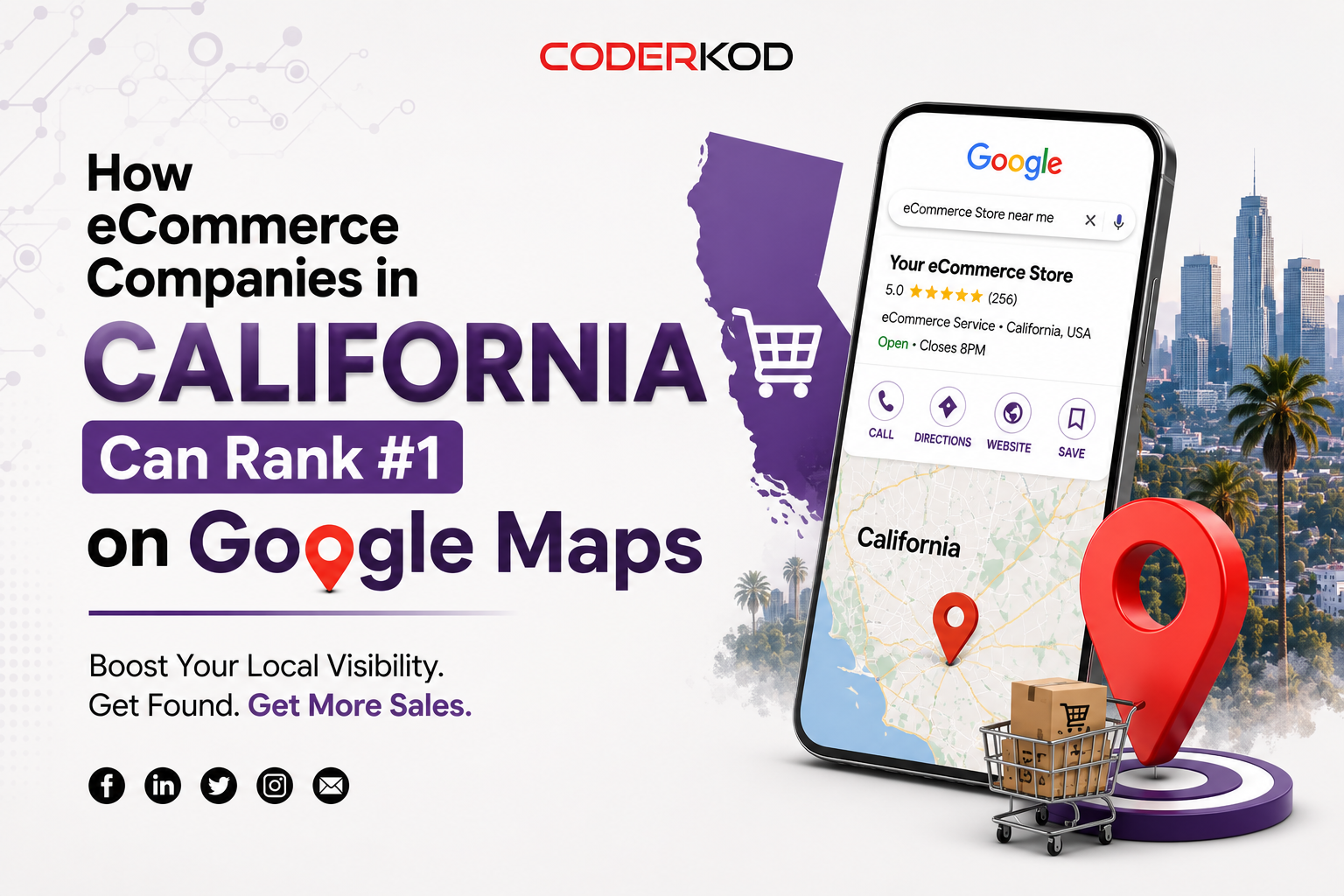
How eCommerce Companies in California Can Rank #1 on Google Maps
If you run an eCommerce business in California — whether you’re based in Los Angeles, San Francisco, San Diego, or Sacramento — you might assume Google Maps doesn’t matter for you. After all, you’re selling online, not running a storefront people walk into.
That Assumption is costing you Customers
Google Maps rankings aren’t just for restaurants and dentists. Any eCommerce company with a physical location — a warehouse, a showroom, a pickup point, or even a registered business address — can show up in local map packs, and that visibility drives trust, foot traffic to fulfillment centers, and clicks that convert better than generic organic listings. Here’s how California eCommerce brands can climb to the top.
Why Google Maps Matters for eCommerce, Not Just Local Retail
When someone searches “buy [product] near me” or “[your niche] store California,” Google increasingly blends local map results with standard organic listings — even for brands that primarily sell online. If a competitor has claimed and optimized their Google Business Profile and you haven’t, they’re capturing that visibility by default.
For California eCommerce companies specifically, this matters more because:
– California has some of the highest search volume and eCommerce competition in the country
– Many California cities (LA, SF, San Jose) have dense competitor clusters, making local signals a differentiator
– “Near me” and city-specific searches convert at a higher rate than generic national queries
Step 1: Claim and Fully Optimize Your Google Business Profile
This is the foundation. A verified, complete Google Business Profile (GBP) tells Google you’re a legitimate, active business.
What to include:
– Accurate business name (matching your website exactly — no keyword stuffing like “Best Shoes Store LA”)
– Correct category (e.g., “Shipping and mailing service,” “Warehouse,” or your specific retail category)
– Complete address, even if it’s a fulfillment center rather than a public storefront
– Business hours, phone number, and website URL
– High-quality photos of your product, packaging, or facility
If your eCommerce business doesn’t have a public-facing storefront, use Google’s service-area business (SAB) setting instead of listing a street address — this is critical for compliance and avoids suspension.
Read More About: Best Digital Marketing Agency in Lahore
Step 2: Build Location-Specific Landing Pages
Generic “Shop Now” pages don’t carry local signals. Create landing pages targeting specific California cities relevant to your customer base or fulfillment locations:
– “[Product Category] Delivery in Los Angeles”
– “Same-Day Shipping to San Diego Shoppers”
– “[Your Brand] Now Serving the Bay Area”
Link each of these to your main eCommerce category or service page, and cross-link them to each other to build a local content cluster (see internal linking section below).
Step 3: Earn Local Citations and Reviews
Google Maps rankings depend heavily on three factors: relevance, distance, and prominence. Prominence is built through citations and reviews.
Action items:
– Get listed on California-specific business directories (Yelp, California Chamber of Commerce listings, industry-specific directories)
– Ensure your NAP (Name, Address, Phone) is identical across every listing
– Actively request reviews from California customers, and respond to every review — Google rewards active engagement
– Highlight local delivery speed, California-based customer service, or California-sourced products if applicable, since these can become natural review themes
Step 4: Localize Your On-Page SEO
Your product and category pages should speak to your California audience where relevant:
– Reference California-specific shipping zones or delivery windows
– Mention state-specific compliance (e.g., California Prop 65 warnings, CCPA-compliant data practices) — this builds trust and can appear in relevant local searches
– Use schema markup (LocalBusiness or Organization schema) to reinforce your address, hours, and service area to Google’s crawlers
Step 5: Build California-Specific Backlinks
Backlinks from California-based sources (local business journals, city Chamber of Commerce sites, California-focused industry blogs) signal geographic relevance far more strongly than generic backlinks.
Look for:
– Guest posting opportunities on California small business or retail blogs
– Sponsorships or partnerships with California-based influencers or events
– Local press coverage of your fulfillment center, hiring, or community involvement
Step 6: Track the Right Metrics
Don’t just track national rankings. Monitor:
– Map pack impressions and clicks by California city (via Google Business Profile Insights)
– “Near me” and city-specific keyword rankings
– Direction requests and website clicks from your GBP listing
Internal Linking Checklist for This Post
To turn this article into a true SEO asset rather than an island page, link it into your existing site structure:
– Link the phrase “local SEO services” above to your main `/local-seo-services` page
– Link “Google Business Profile optimization” to a dedicated service page if you offer it as a standalone package
– At the bottom of the post, add a “Related California SEO Resources” module linking to companion pieces like:
– “SEO Services in Los Angeles“
– “SEO Services in San Francisco“
– “How Retailers in California Can Improve Local Search Visibility”
– Link back up to your state pillar page (“SEO Services California”) so this article sits correctly within the topical cluster
Final Thought
Ranking #1 on Google Maps as an eCommerce company isn’t about gaming the system — it’s about proving to Google, through consistent local signals, that you’re a relevant, trustworthy option for California shoppers. Companies that treat their Google Business Profile as seriously as their homepage are the ones capturing this traffic before their competitors even realize it’s available.
Learn More: How to Add an AI Chatbot to Your Business Website